Split My Income
Budgeting made simple
Create your categories, assign percentages, and instantly see where every dollar should go. No spreadsheets. No complicated setup.
How it works
Three steps, all on one page.
1
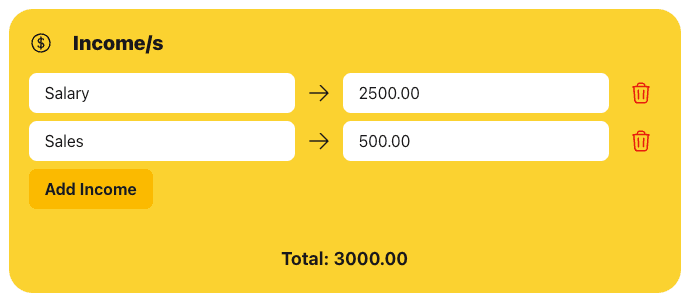
Add your income
List every source of money coming in. The total adds up as you type.
2
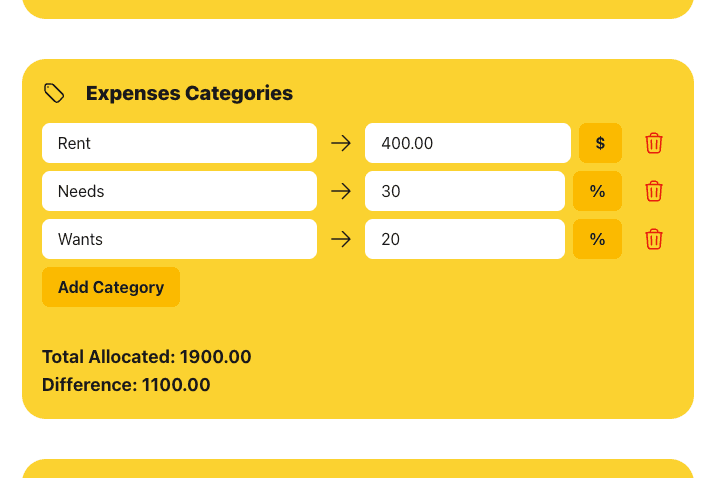
Split it into categories
Give each category a dollar amount or a percentage — tap $ or % to switch. The difference shows what you have left to assign.
3
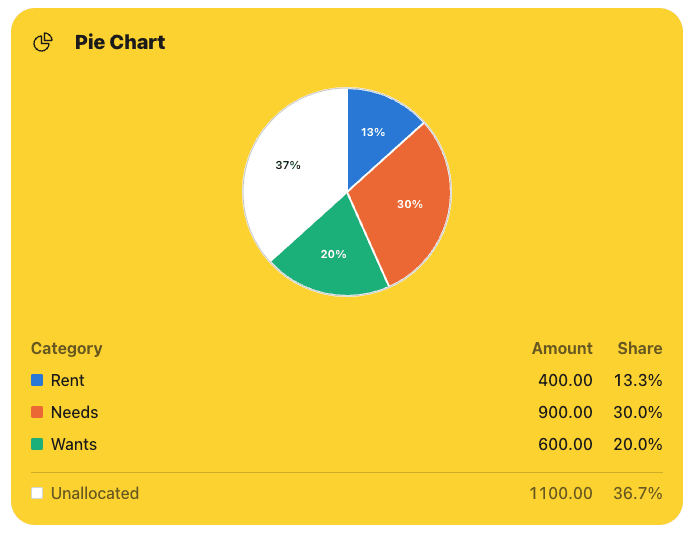
See where it all goes
Every category gets a slice, and anything you have not assigned yet shows up as unallocated.